Targeting helps you reach the right readers through the right media. Instead of sending your story to a broad list, focus on contacts whose audiences match your topic. Use Media Monitoring to identify which audience segments your competitors reach. Then apply similar audience filters in your media lists to limit results to journalists covering those segments. This improves your chances of coverage and makes your outreach more effective.
In AI PR Toolkit, you can check audience details in two places:
1. In the outlet overview
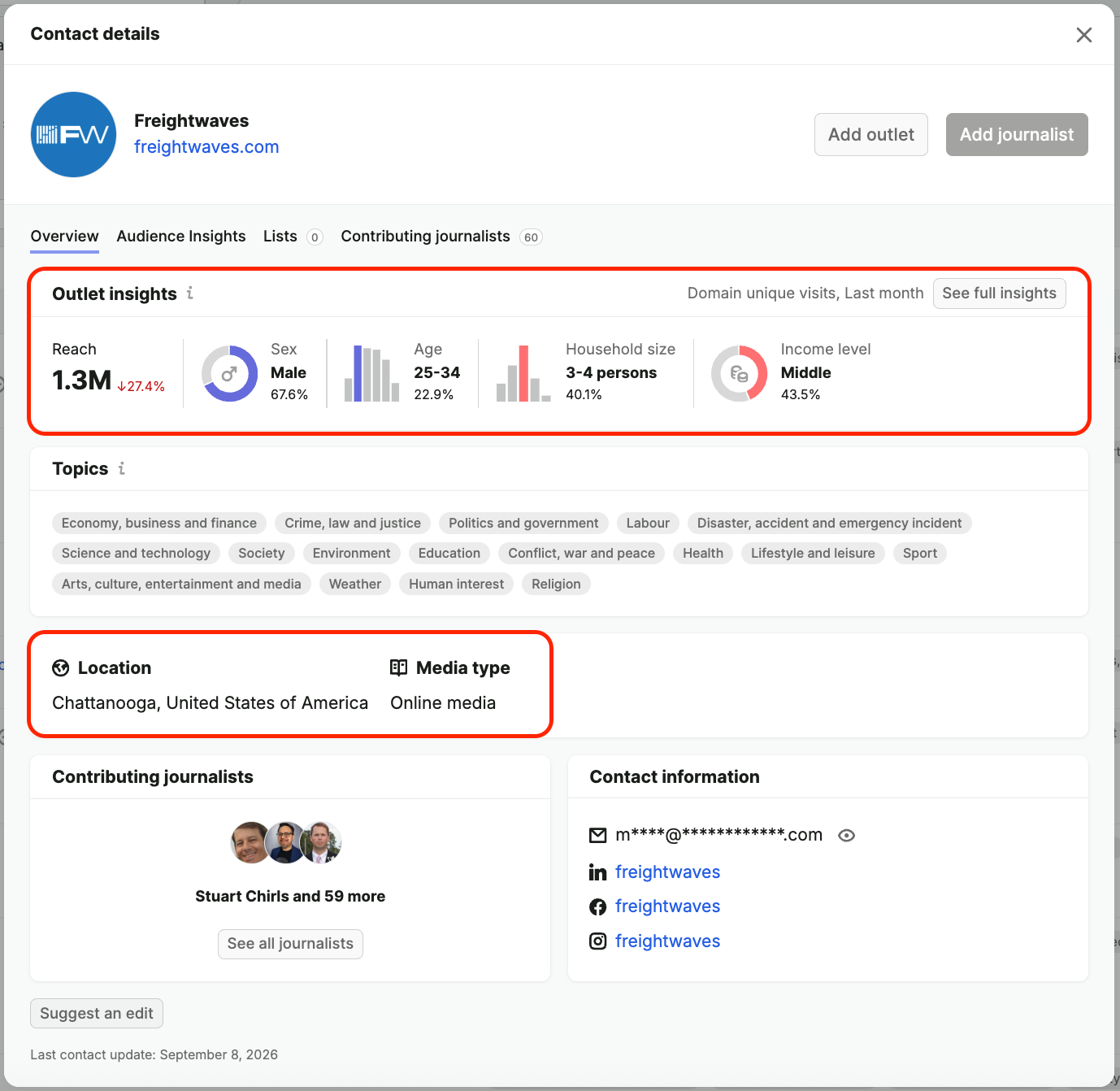
When viewing a journalist’s profile, click the outlet name to open its overview. You’ll see:
- Audience reach – estimated number of people the outlet reaches
- Audience breakdown – by dominant age, gender, income, or household size
- Source type – e.g., online media, blog, magazine
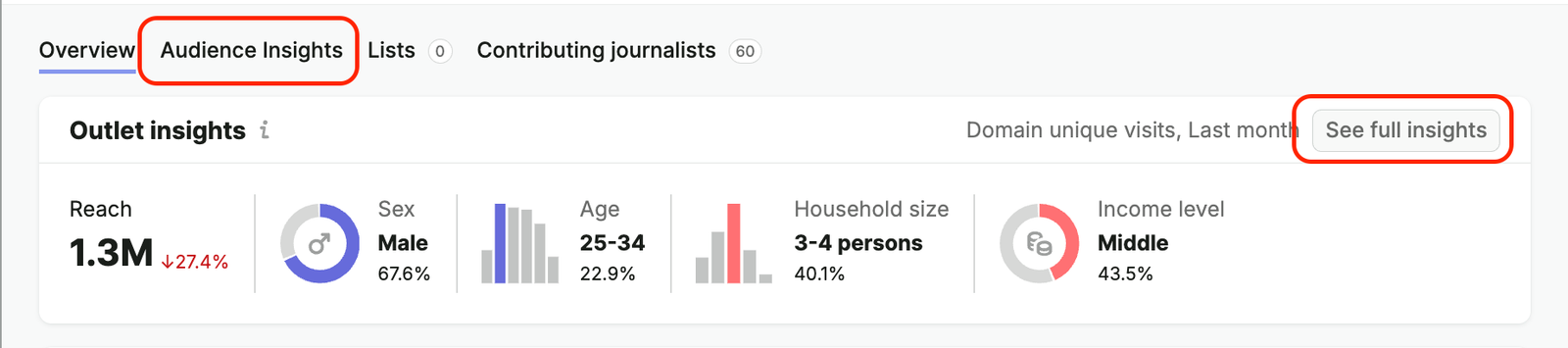
Click See full insights to view more detailed stats.
This includes:
- Age and gender distribution
- Household size
- Income level
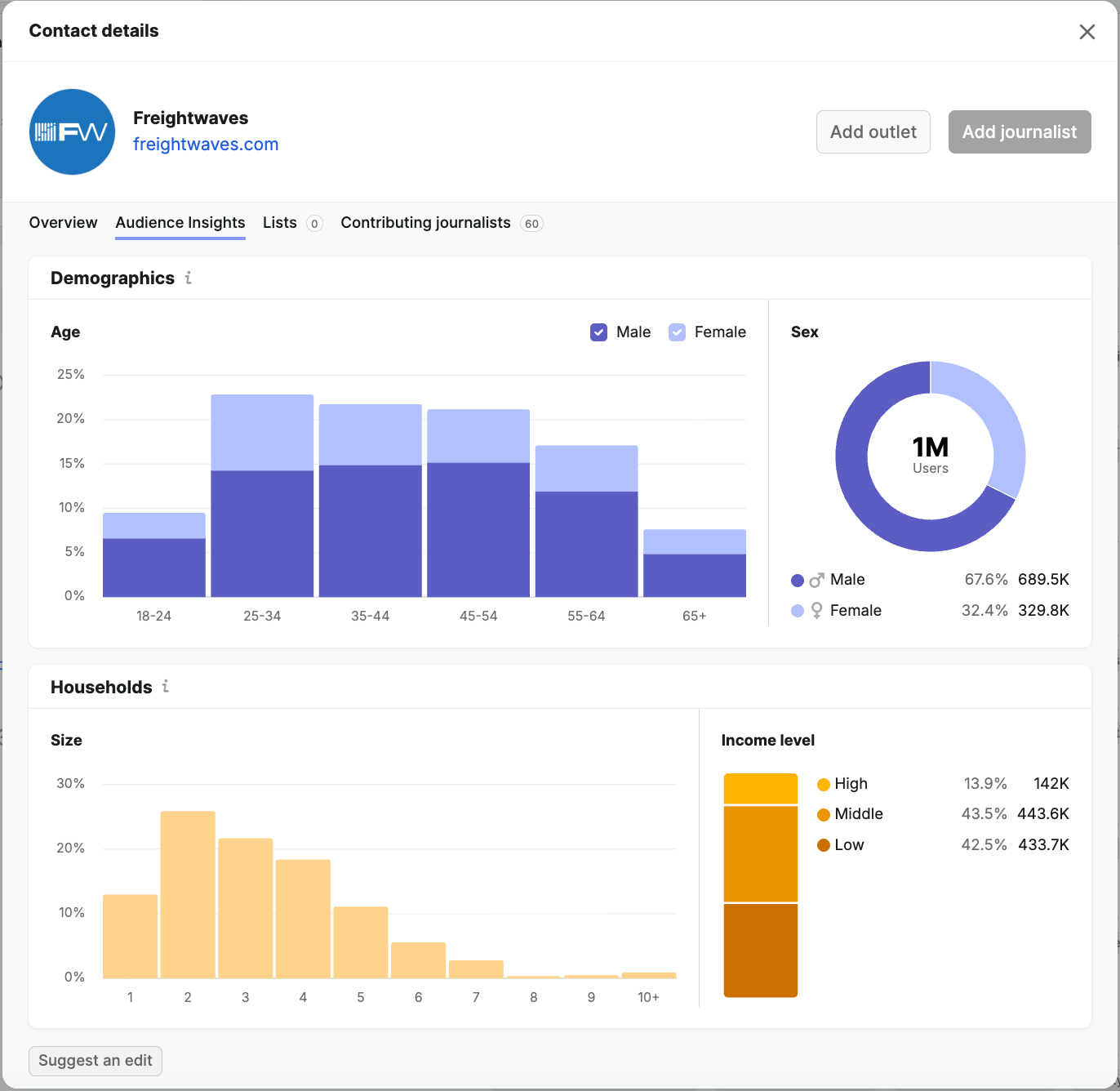
This information helps you decide whether the outlet is a good fit for your pitch and lets you tailor your message more precisely.
2. When building your media list
Go to Media Lists, create a new list, and choose how you want to find journalists.
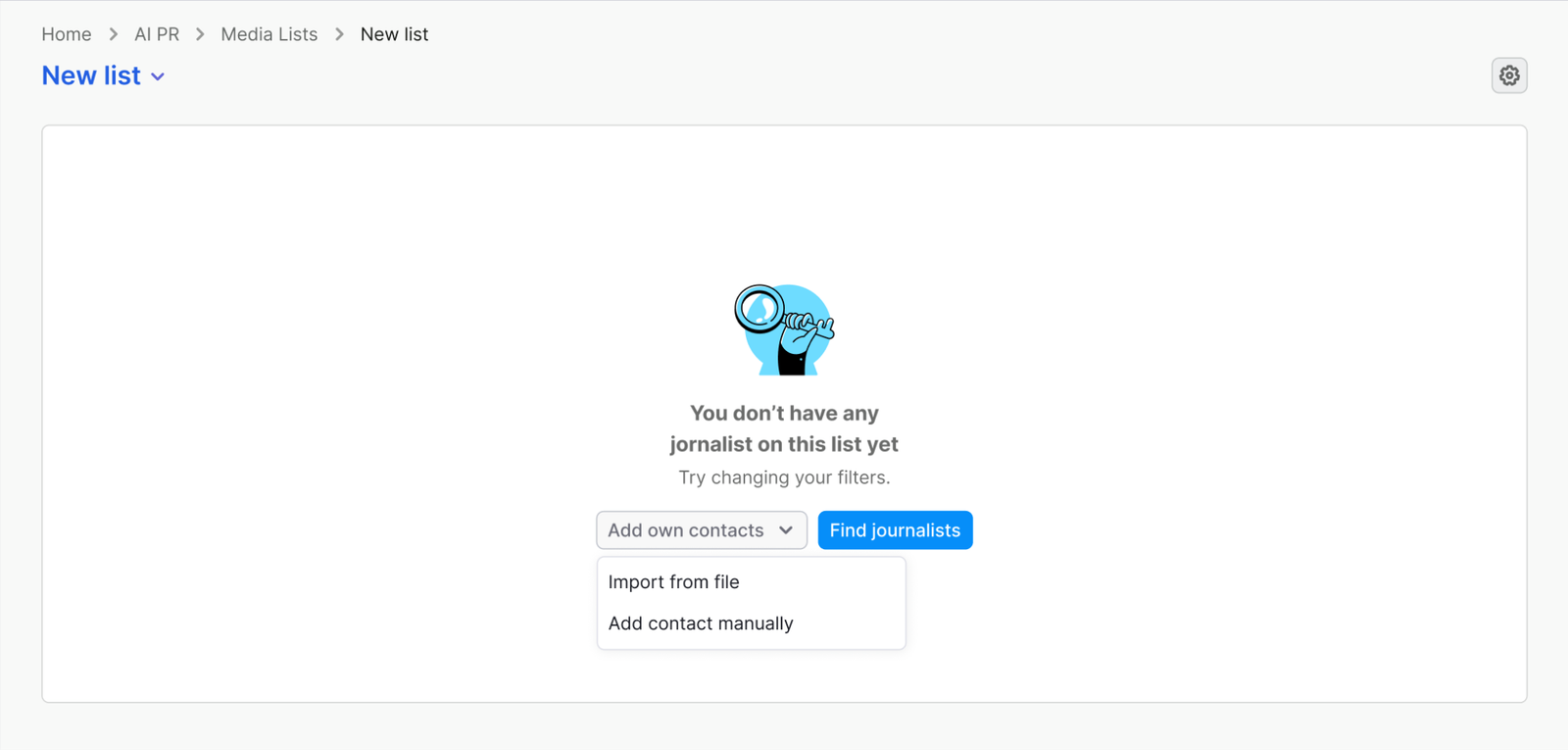
You can add media contacts in three ways:
- Find contacts in the media database:
- Filter search:
- Use the Journalist / Outlets toggle to switch between the two
- Type a name to find someone specific, then use filters to narrow results
- Filter by topic, region, country, city, role, media type, or targeted audience
- Natural language search:
- Describe who you're looking for — keywords, countries, brands, sentiment, people, products, key phrases, or organizations
- Examples: "US journalists writing positively about Tesla," "Sustainable clothing brands in Canada," "Running shoes reviewers"
- We'll find the best matches from recent articles
- Filter search:
- Add manually by entering contact details yourself
- Import contacts by uploading your existing list
In the Filter search tab, you can narrow your results down and focus on the right audience using filters:
- Topics – the journalist’s beat
- Location – region, country, or city
- Role – e.g., Editor, Reporter
- Media type – e.g., Radio, Online media, Television
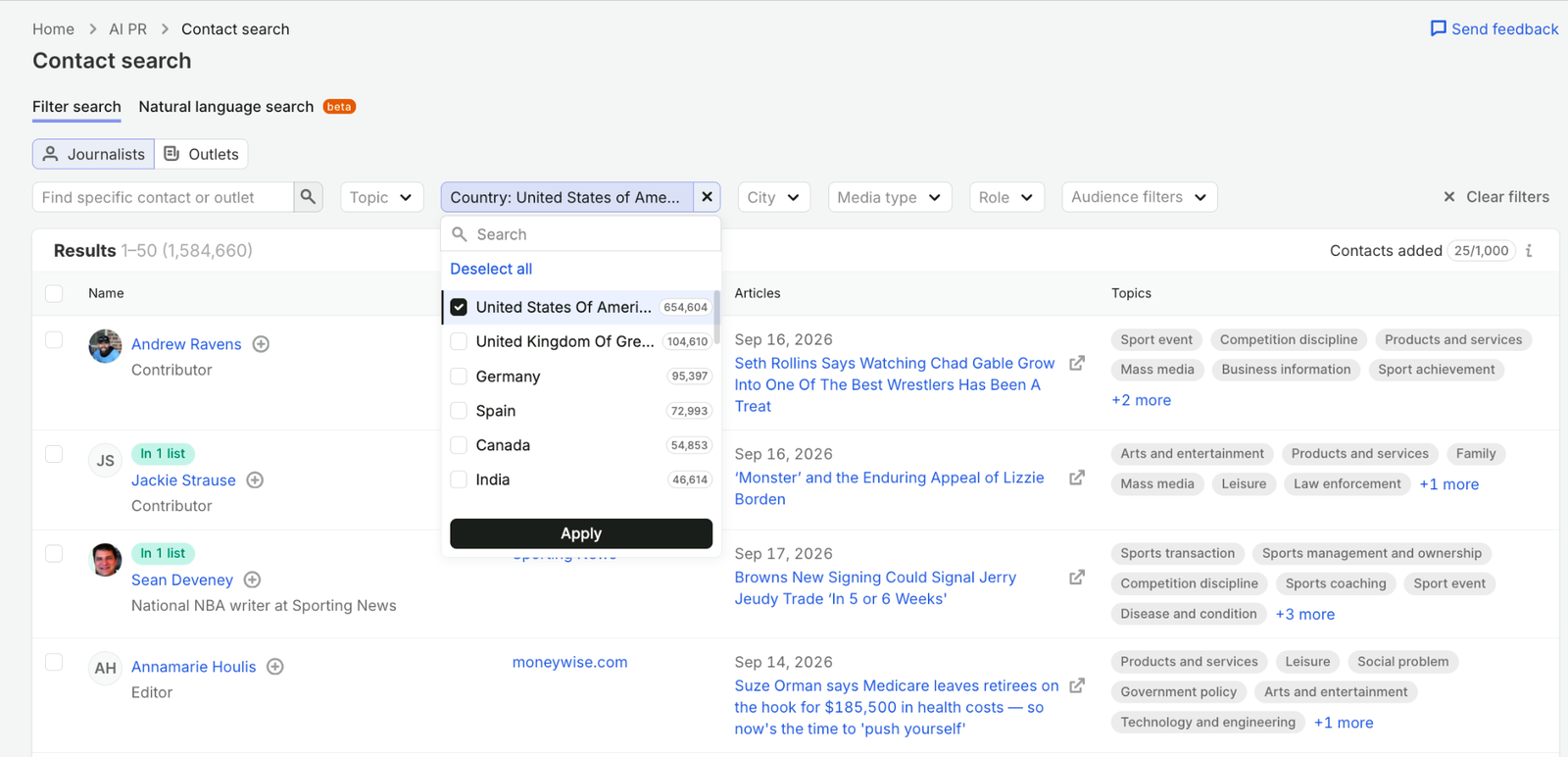
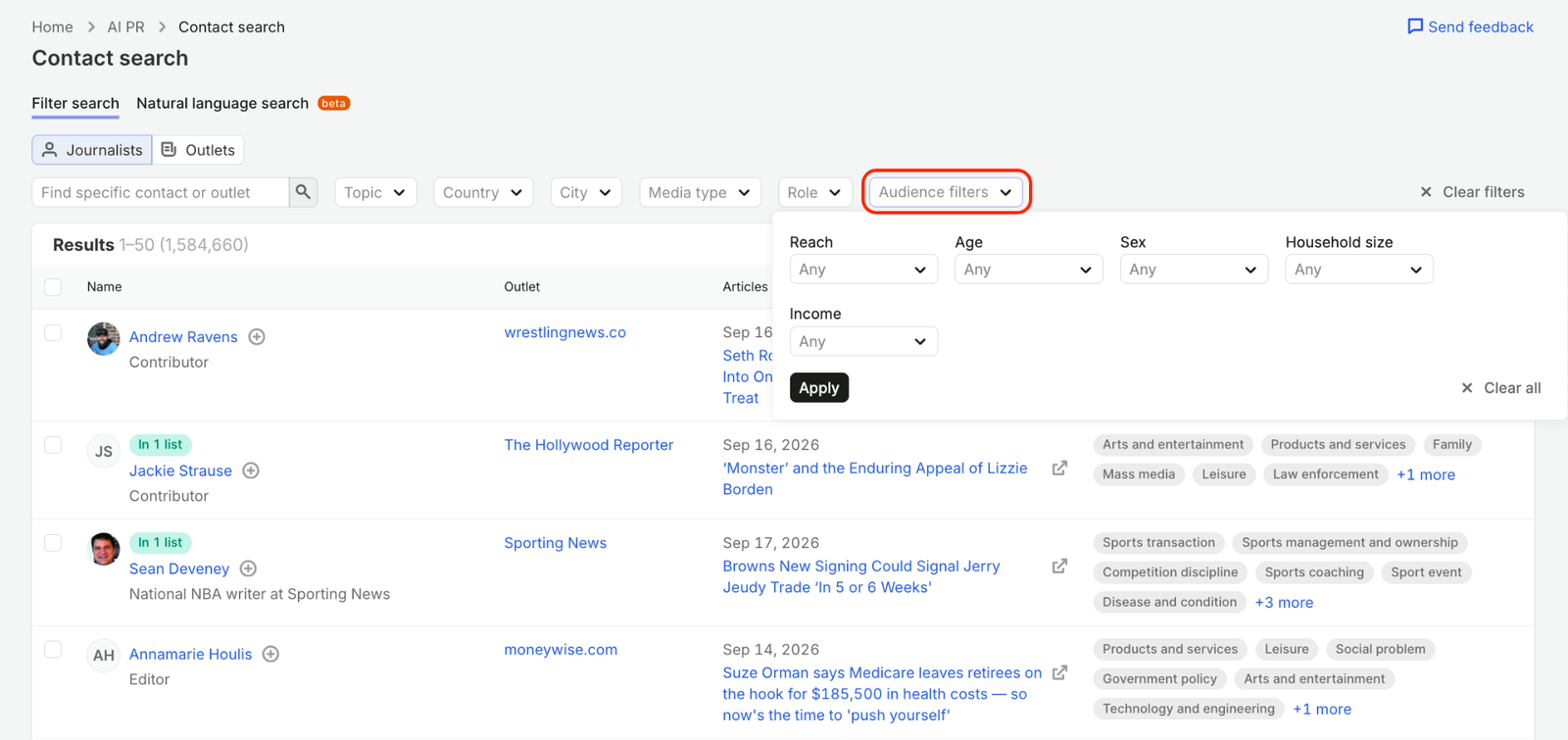
In this tab, you can also use Audience filters like:
- Reach
- Age
- Sex
- Income
- Household size
Why this matters
- Journalists care about stories that matter to their readers
- The better your pitch fits their audience, the more likely it is to be picked up.
- Audience data helps you tailor outreach and build better PR reports
 Back to Semrush Toolkits category